- Create a discount code in Shopify — 10% off, free shipping or a fixed amount.
- Build the popup in Pop Up Discount: text, image, the code, and an email or phone field.
- Choose when it appears — after a few seconds, at a scroll depth or on exit intent — and on which pages.
- Enable the app embed in the theme editor and publish. New subscribers appear as Shopify customers.
What the shopper sees
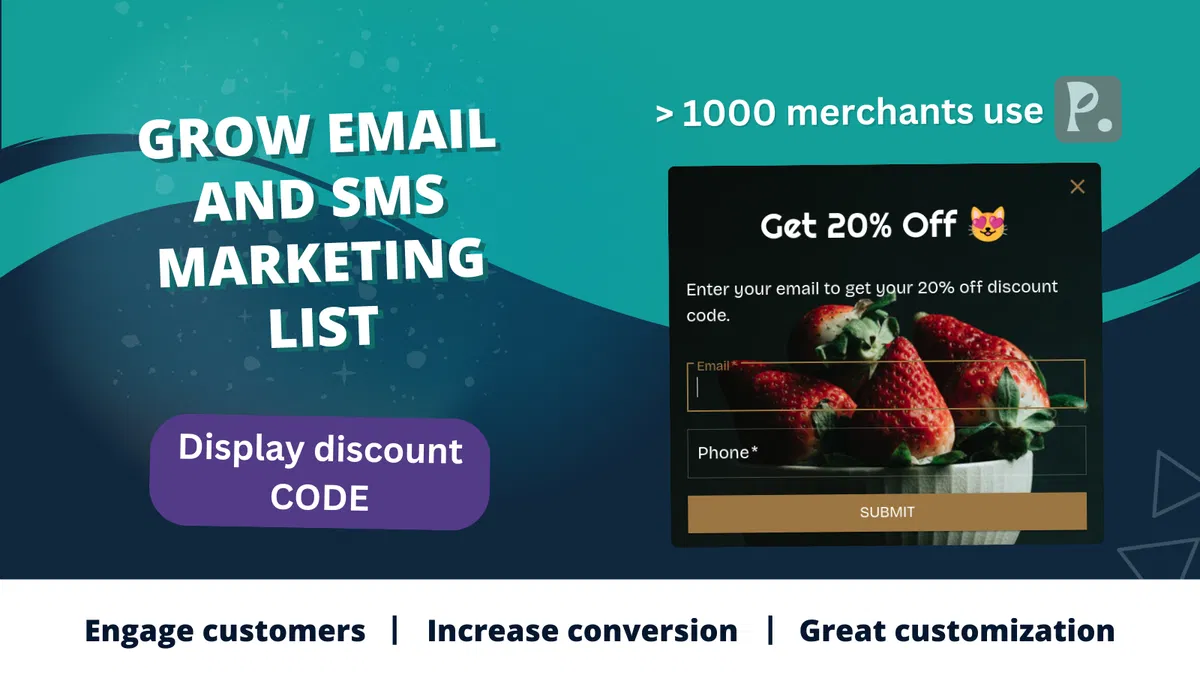
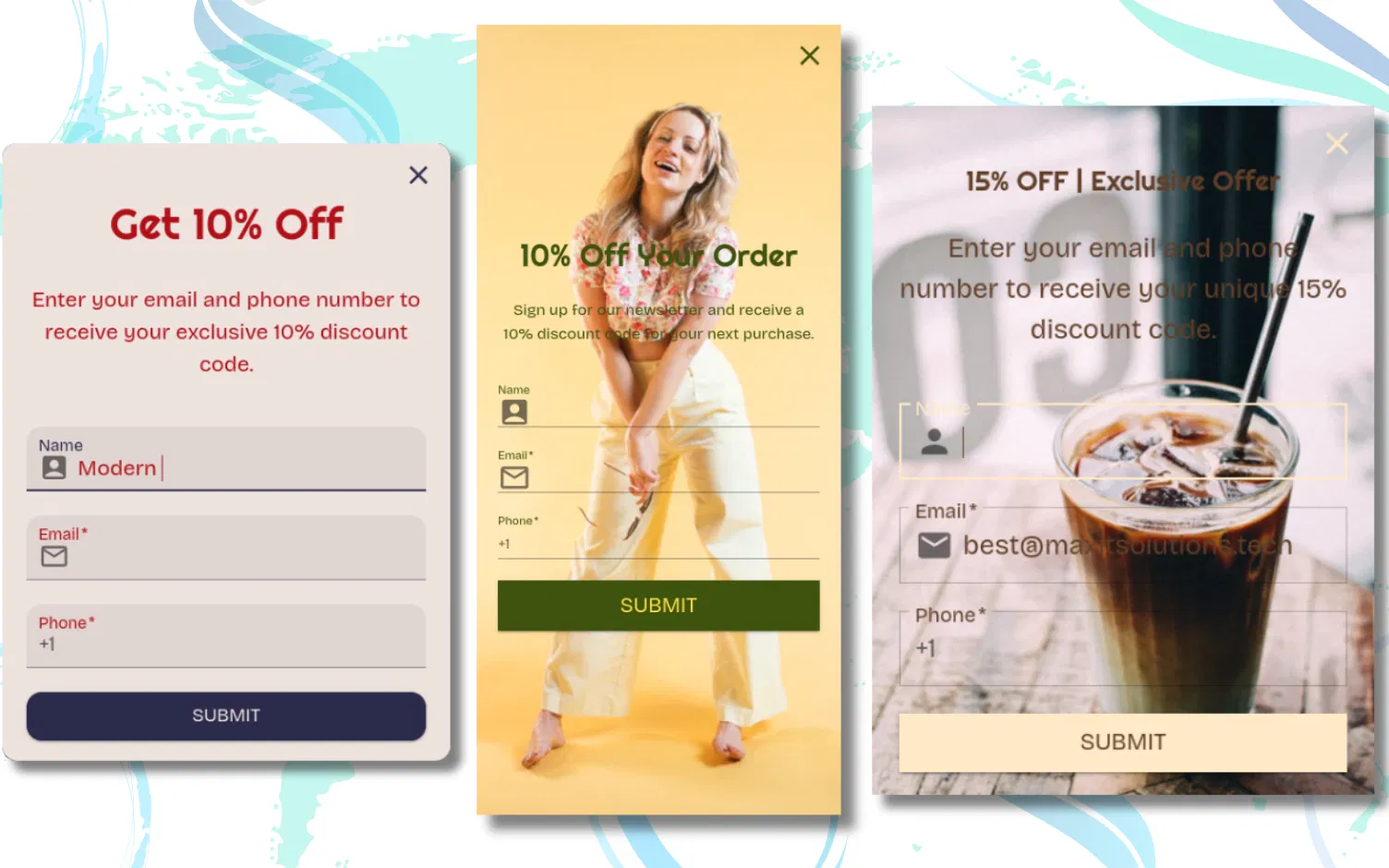
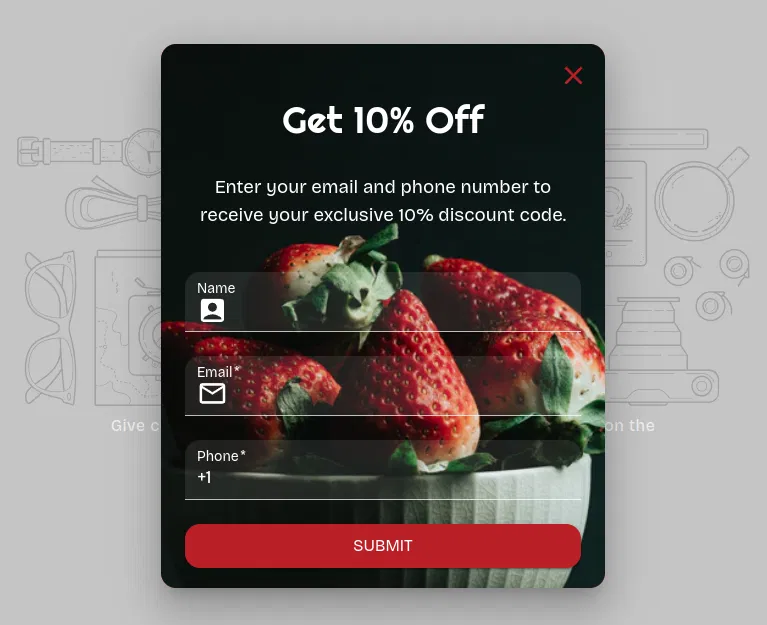
Your offer and a short form. When the visitor submits it, the code window shows the discount code on the spot, and the email or phone number lands in Shopify admin as a customer. Add the Customer created by MITS automation and Shopify also emails them the code.
| Setting | Options | Why it matters |
|---|
| Trigger | after a time delay, at a scroll depth (10–100%), or on exit intent | Gives the visitor a moment to see the store before the offer; on exit intent it catches people who are leaving anyway |
| Show again after closing | every new session, or after 3, 7, 15, 30, 90 or 180 days | Stops the same visitor from seeing the offer on every page |
| Pages | home, product, collection, cart, search, blog, pages and other Shopify page types | Put the offer where it fits: a welcome code on the home page, free shipping on the cart page |
| Form | email, phone or both, each optional or required, with your own validation texts | Asking for less raises sign-ups; asking for both builds email and SMS lists at once |
| Design | size, colours, background image, button colours, dark mode, full screen on mobile | Match the theme so the popup reads as part of the store, not an ad |
Step-by-step guides: how to add a discount pop up on Shopify, the best timing for a popup discount and discount code popup examples.
Is Pop Up Discount free?
Yes. Pop Up Discount by MITS offers a free plan. Paid plans start at $3.99/month and remove the free plan's limits: the popup shows every day and every sign-up becomes a customer.
How do I add a popup to my Shopify store?
Install Pop Up Discount by MITS from the Shopify App Store, create a popup, customize it, enable the app embed in your theme, and publish.
Does the popup slow down my store?
Only a 1 KB loader sits in your page. The pop-up's own scripts (133 KB) download after the page has finished loading, when the browser is idle, so your content shows first. The phone-number library loads only when a shopper enters a phone number. We measured this on a Shopify store running the released app in November 2026. Like any popup app it still adds JavaScript, so check your theme's speed report after you enable it.
Can shoppers use the popup with a keyboard or a screen reader?
Yes. The popup opens as a dialog labelled with your popup text, so a screen reader reads out your offer. Keyboard focus moves into the popup, Tab cycles through its fields and buttons without leaving it, and Esc or the × button closes it. Every field has a label, and an error message is linked to the field it is about. At 200% browser zoom the popup still fits the screen, and shoppers who turn on reduced motion get it without the opening animation. On a Shopify store running the released app in November 2026, the axe-core accessibility checker found 0 violations in the popup. If your text or button colours fall below a 4.5:1 contrast ratio, the popup preview in the theme editor warns you.
Can I collect emails and phone numbers with popups?
Yes. A popup can ask for an email, a phone number or both. Each sign-up becomes a Shopify customer subscribed to email or SMS marketing; Shopify Email and your SMS app send the messages, and a Shopify Flow trigger carries the discount code. Pop Up Discount itself sends no texts.